
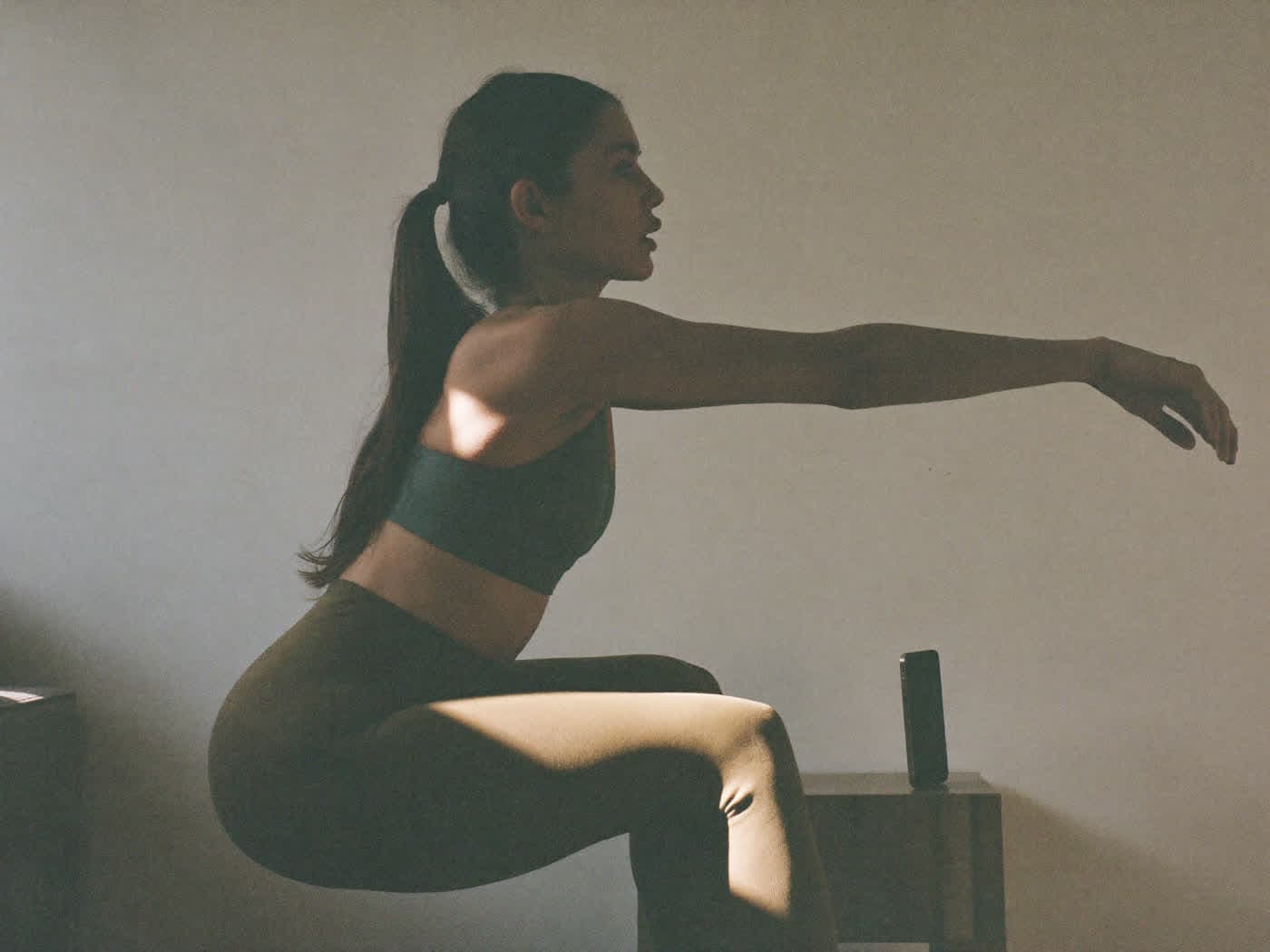
Train with your phone or computer camera
It watches you move, counts your reps and guides you while you do them. Nothing to install, and no video ever leaves the device.
It counts and corrects while you train.
The client taps “Start training”, chooses “Guided with the camera” and concentrates on doing the exercise. The camera follows their movement and guides them with a recorded female voice, not a synthetic one, and on screen, with the key word highlighted.
- It counts the reps and closes the set when you finish.
- It shows which reps are correct, which aren't and how many are left.
- It works with the whole exercise catalog, in the app, in the web app and in the Dashboard.
- Exercises created by the gym appear as “Exercise without guide”: the camera doesn't analyze them and the client marks them by hand.
- Camera analysis is an additional Gem.
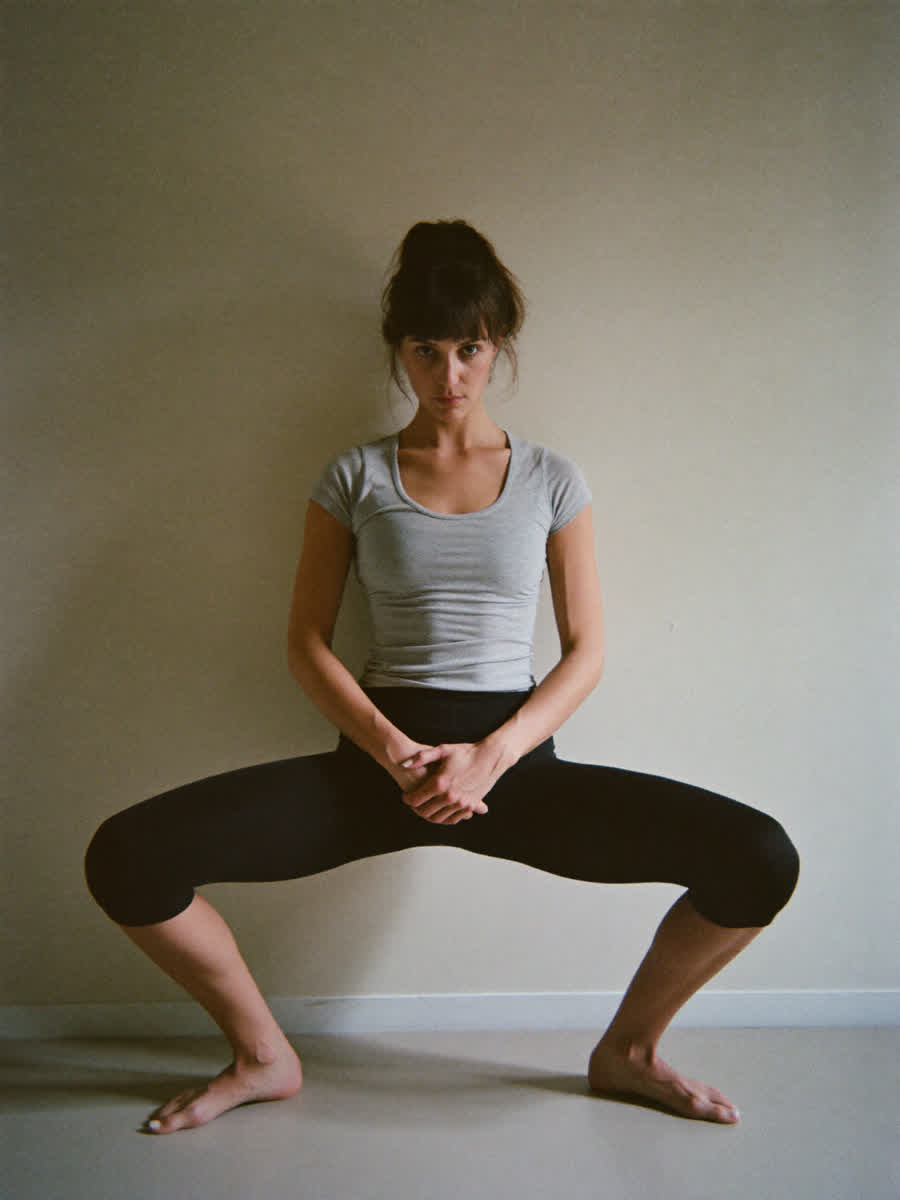
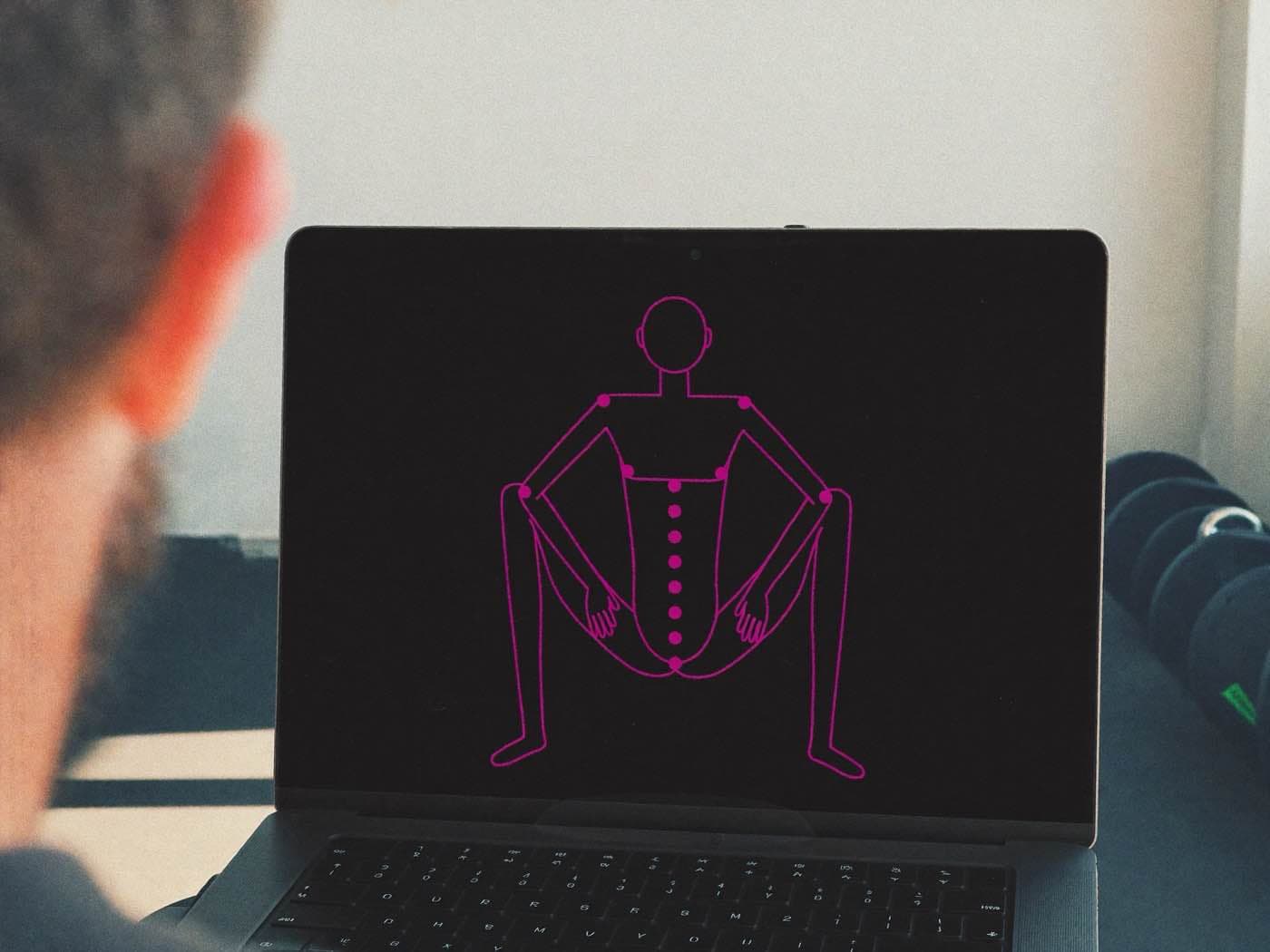
33 body points, seen from where they need to be.
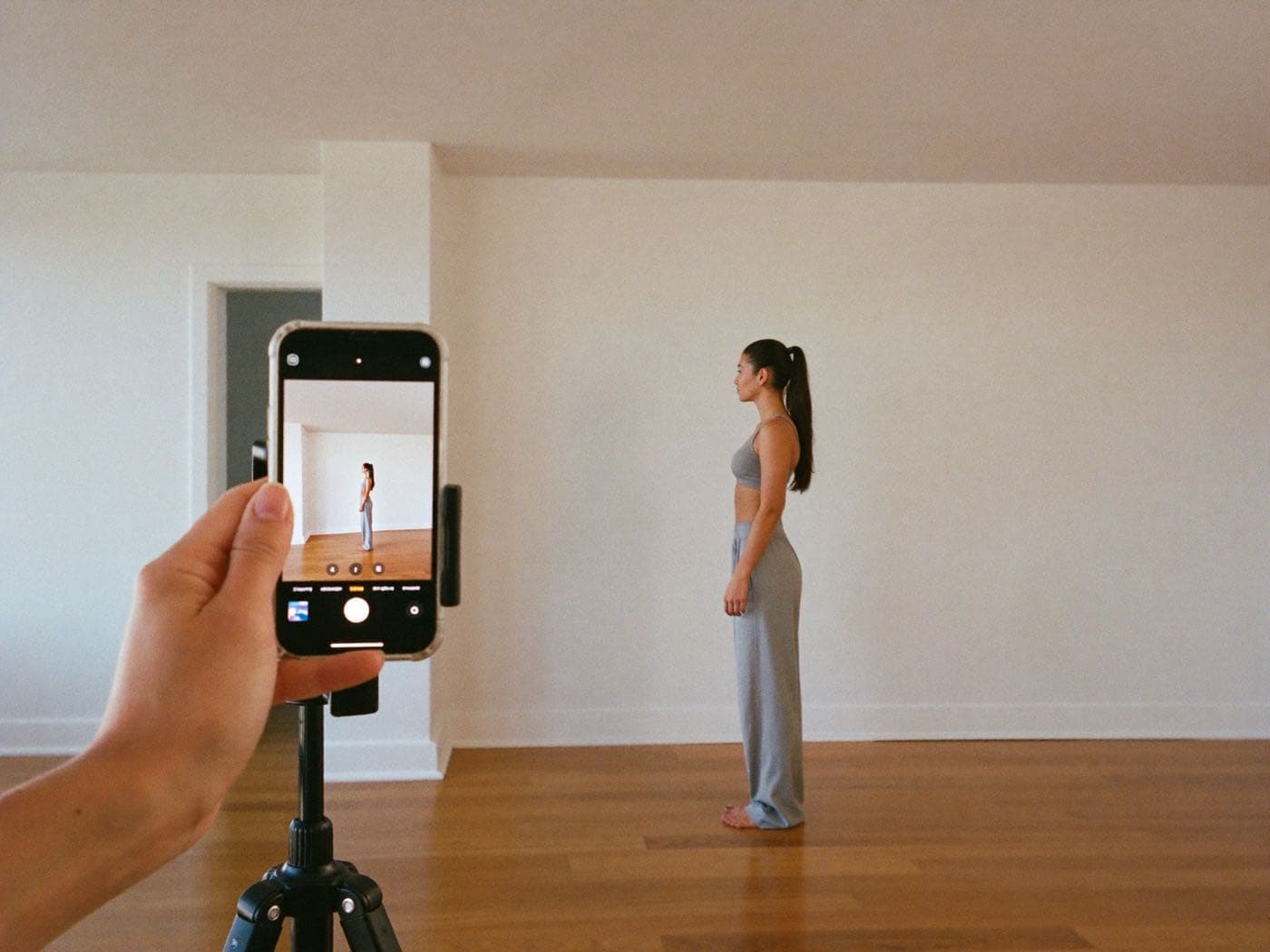
The camera locates 33 points on the body on the device itself and calculates the joint angles. Each exercise indicates where to view it from, and the screen guides the person into position.
- What it sees: knee, hip, shoulder, elbow and trunk angles, and distances relative to the person's own body, not in centimetres.
- Front view: it shows whether the knees cave in, whether both sides do the same and how far apart the feet are.
- Side view: it shows whether the heels lift or how much the trunk leans.
- What it flags: one correction at a time, and occasional encouragement at the end of the set.
How it counts and how it adapts to each person
- Counting: a rep counts when the main movement passes its threshold and returns to the starting position. It also measures how long the lowering and the lifting take.
- One side at a time: in exercises done one side at a time, the counter starts again when you switch to the second side.
- Starting point: the first time someone does an exercise, the camera learns their starting point, just once per exercise, so it doesn't demand the same of everyone.
Your Specialist reviews every set.
In the client's plan, the “Client follow-up” tab shows what they have done. Every rep can be watched again as an animated skeleton, never as video.
- The history, day by day, and their progress in technique and mobility, not just in weight.
- The Specialist can adjust, for one client and one exercise, how demanding each technique check is, from “Adjust thresholds”.
- After each set, the client can say in two taps how hard it felt and whether they noticed any discomfort. It's optional.
Camera-guided tests that fill in the assessment.
The client does eight guided tests in front of the camera and the result is saved in their functional assessment. It is the same one LAIA takes into account when adjusting their training programs.
- Eight guided tests, step by step: posture, ankle, hip, leg strength.
- The result feeds the plan LAIA adjusts.
- The Specialist sees it on the client's record.
What people tend to ask about this module
Does any video leave the device?
No. The body points are processed on the person's phone or computer and only the movement data is saved. There is nothing to install.
Does it replace a trainer or a physiotherapist?
No. The camera helps people do the exercise properly, but it doesn't diagnose or treat injuries and doesn't replace a professional's assessment or decision.
Can it see the spine?
Not directly: a rounded back can only be approximated.
Does it use AI credit, and are there QR codes for the machines?
It doesn't use AI tokens: it runs on the client's own phone. And each exercise has its own QR code to print and stick on the machine, with sheets of 8 and one QR for the whole catalog.