

Your video library, inside your app, on your terms
You upload your classes and exercises, organize them by category, and decide in which branches and with which fee they can be seen. Members open them from the Videos tab of their app, without going out to YouTube.
Two video libraries in one: classes and exercises
You organize video into categories with a tree structure and their own cover image, and decide whether you upload it yourself or link to it from elsewhere. No loose folder of files.
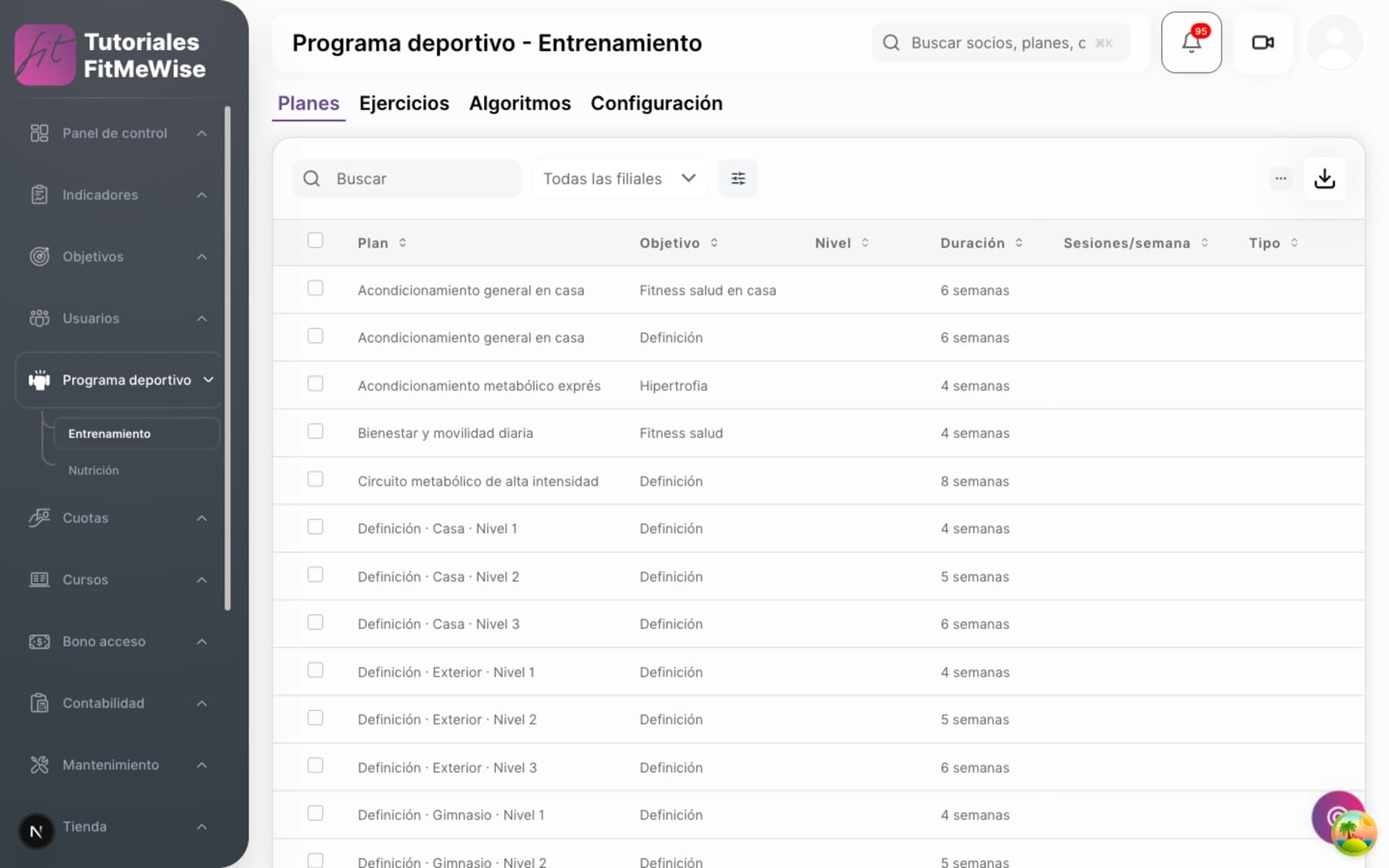
- Pre-recorded classes and exercises, on two separate screens of the app
- Categories in a tree, with their own cover; switched on and off without deleting anything
- Upload your video, or link one from YouTube or Vimeo
How video is organized, under the hood
- Two real sections, not a label. Pre-recorded classes and training exercises are two different screens in the member app, and you manage them separately from the panel.
- Your video, or a linked one. You upload your MP4, MOV or WebM (10 MB by default on the standard upload; there is a separate route for large files), or paste a YouTube or Vimeo link. The video is served from Cloudflare, not from your server.
- Video cover: an image in PNG, JPEG or WebP, up to 5 MB, in 16:9 format.
- Categories in a tree: you nest them, for example “Cardio” and inside it “HIIT”, and each one has its own cover.
- Archiving a category doesn't delete its videos. They are left without a category and you reassign them whenever you like.
- Progress photos and nutrition PDFs are separate. They live in the same technical place, but are managed from the member's record, not from the video library.
Who sees each video: branch and fee
You switch on each category branch by branch and, if you want, by fee as well. It's a package you activate yourself, not something included as standard.
- Branch required: if you don't tick it, that branch doesn't see the category
- Fee optional: if you tick none, any member sees it
- Separate storage package, which you activate per branch
How what each member sees is decided
- The branch is required, the fee is optional. Each category has a branch selector: if you leave it empty, that category appears nowhere. The fee selector is separate, and if you tick none, any member sees it, whatever fee they have.
- The filter doesn't stop at the screen: the server checks it again. If a member goes straight to the URL of a restricted category, branch and fee are checked again before serving them the videos.
- It's a paid add-on per branch. The video library depends on an extra storage package purchased for that branch; without it, the videos tab comes up empty.
- No visible padlock. If the member lacks the fee, the category doesn't appear for them: there is no “you need this fee” notice inside the app.
- Saving as a favorite doesn't grant access. A member can mark a video as a favorite and later lose access to its category; it stays in their favorites, but they won't be able to reopen it.
One screen for them, another for you
In the app, members see folders by category and their list. In the panel, you manage classes and exercises separately, each with its own permissions.
- Videos tab: folders by category, and the list inside each one
- Own player and YouTube player, without leaving the app
- In the panel: “Pre-recorded classes” can be archived, “Training content” can only be edited
What is in the app and what is in the panel
- In the member app, the Videos tab has a folders screen (categories) and a list screen (the videos in that folder), and it filters automatically by the member's branch and by section, classes or exercises.
- Two players: the video you upload plays inside the app; the YouTube one opens with an embedded player, also without leaving the app.
- Coming soon: Vimeo player. The Vimeo link is already accepted when you add the video, but the app doesn't play it yet.
- In the panel, two separate screens. “Pre-recorded classes” lets you create, edit and archive. “Training content” — the exercises — can only be edited today, not archived from there.
- Coming soon: viewing analytics. Today there is no screen that tells you which video each member has watched, or how far they got.

What people tend to ask about this module
Can members see the videos even if they don't have a certain fee?
It depends on how you configure the category: if you tick no fee, any member sees it; if you tick specific fees, only those members do. There is no in-between with a notice: either they see it or it doesn't appear for them.
Can I upload the video myself, or do I have to link YouTube?
Both. You upload your own MP4, MOV or WebM, or paste a YouTube or Vimeo link. Vimeo is saved, but doesn't play inside the app yet.
Is the video library included in the base price?
No: it's an extra storage package you activate per branch. Without it, the videos tab for that branch comes up empty.
Can I see how many members have watched a video?
Not yet. You can mark a video as a favorite, but there is no viewing analytics screen.
Want to see it working?
We'll show it to you with your own case: your fee types, your branches and whatever currently forces you to use two programs.
Request a demo